Getting Started
Forking the Challenge Repository
Before you can complete the remaining challenges, you need your own copy of the challenge repository. This allows you to commit your work and push your solutions to GitHub.
1. Fork the repositoy
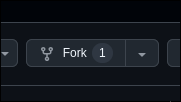
Click the fork button on the challenge repository at https://github.com/AbaCord/Challenges:
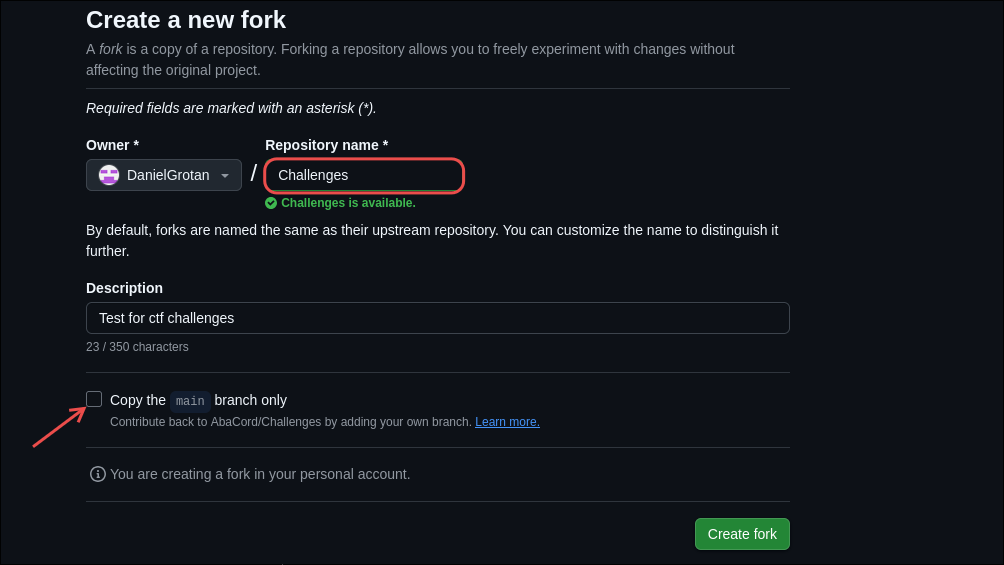
Keep the repository name unchanged: Challenges, and uncheck the "Copy the main branch only" option.
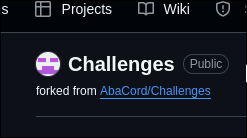
After forking, you should see the repository under your GitHub account:
2. Clone your fork locally
Click the Code button and copy the HTTPS URL:
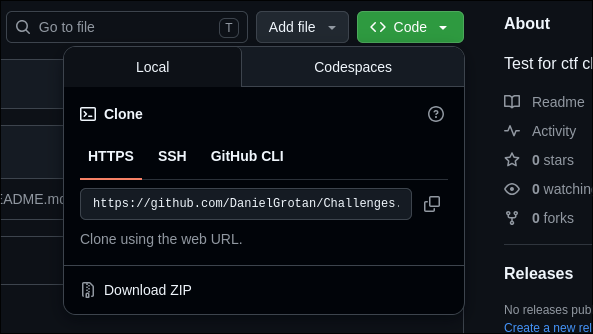
Inside your terminal, navigate to the folder you want to clone the challenges into. Replace <folder> with the absolute or relative path of your desired folder:
cd <folder>
Clone your fork into the folder by replacing <url> with the link you copied:
git clone <url>
Once your fork is set up, you'll be ready to continue with the rest of the challenges.